
Our Blogs
00

Region Assign
Districts and regions add levels above your sales territories, and they’re available in AlignMix Pro. By default the hierarchy runs territories, then districts, then regions: territories roll up into districts, and districts roll up into regions. Those labels are only defaults. If your company uses different words, change them in the AlignMix options before you […]

Lasso Tool
Using the Lasso Tool in AlignMix This short video shows how to use the Lasso Tool in AlignMix to select zip codes, accounts, or entire territories and apply changes such as reassignment, deletion, or territory creation. What this video covers Lassoing zip codes and sales accounts Understanding the Map Query summary Assigning lassoed areas to […]

Territory Properties
The territory properties is where you can easily change the name and ID of your sales territory and also change the sales rep assignment and district assignment. From these properties you can also lock the territory, change the color and also view a summary of all the data sets and accounts assigned to this one […]
Where are my Sales Territories?
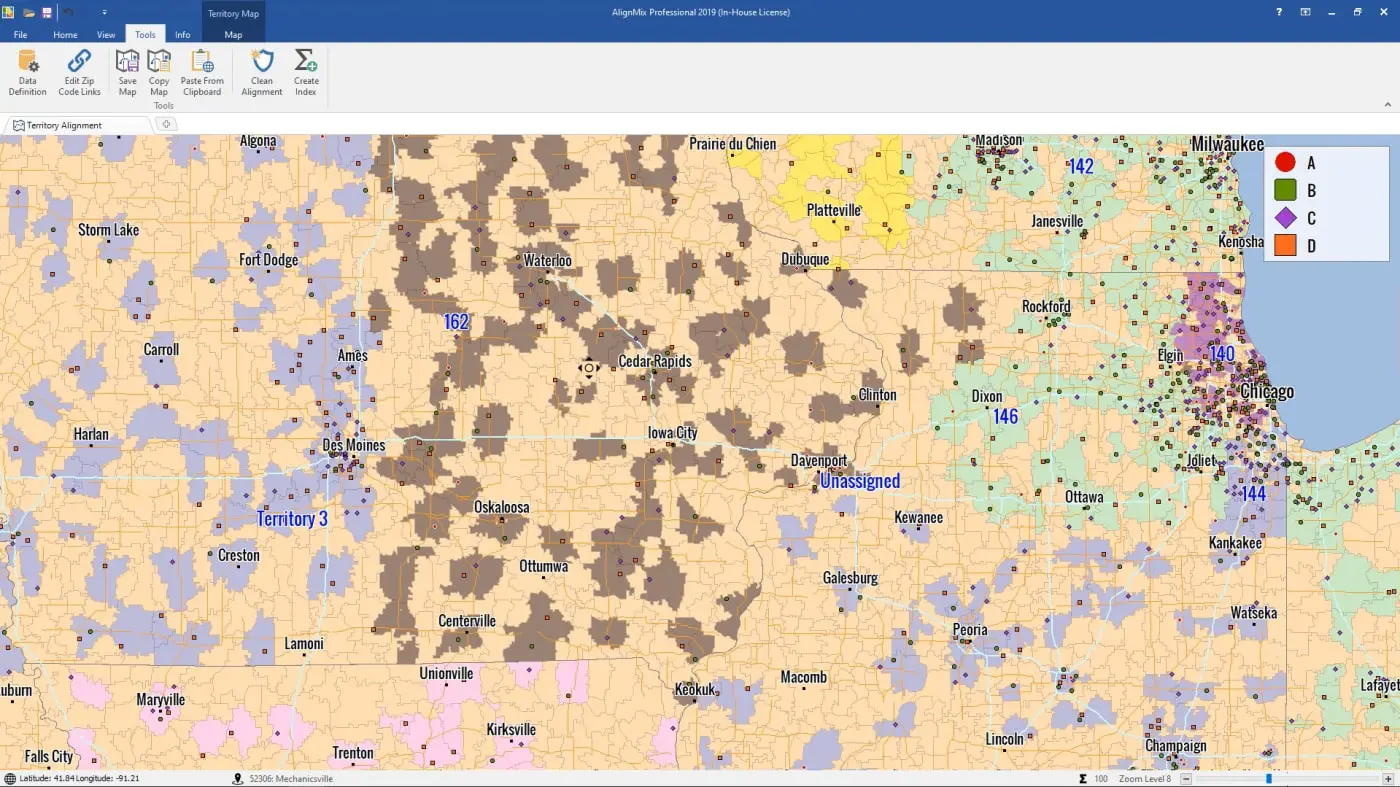
You imported your accounts, the import finished cleanly, and the map shows no territories. No colored areas at all. This is one of the most common surprises new AlignMix users hit, and it almost always means the same thing: you imported account data but never assigned the ZIP codes. Your territories exist. They just don’t […]

Exporting Full Zip Code List
AlignMix allows you to export a full list of every zip code that exists in your AlignMix file. This same process applies to any country that you are using. If you are working on a map for Canada, then this process would export the Canadian FSAs into an excel file. The zip code export will […]

Sales Territory Batch Export
AlignMix’s sales territory batch export saves every territory in your alignment as its own image and Excel file in a single pass. Instead of exporting territories one at a time, you set up your map, click through two short screens, and end up with a folder holding a picture and a data sheet for each […]

New Global Dataset Update
AlignMix has gone global! We\’re excited to announce the release of the new Countries of the World dataset for Pro users of AlignMix. You can now create sales territory maps by grouping countries together. For the purpose of importing or exporting your data, each country is identifies by their International 3 Digit ID. All the […]

Sharing Sales Territory Maps and Data
Sharing Maps and Data Sharing sales territory maps and data after you have completed a sales territory redesign project is extremely important to the majority of AlignMix users. Sales reps, district managers and region managers may want to preview what sales territories look like before going live and confirm if certain accounts are assigned to […]

7 Tips for Mapping Sales Territories
One of the biggest perks of using a sales territory mapping platform is to display the locations of your sales accounts/clients while at the same time viewing all of your sales territories. The two most important pieces of information that you need in order to import your sales account data is the location (Zip code) and the account name. Below you will find 7 tips for mapping sales accounts.